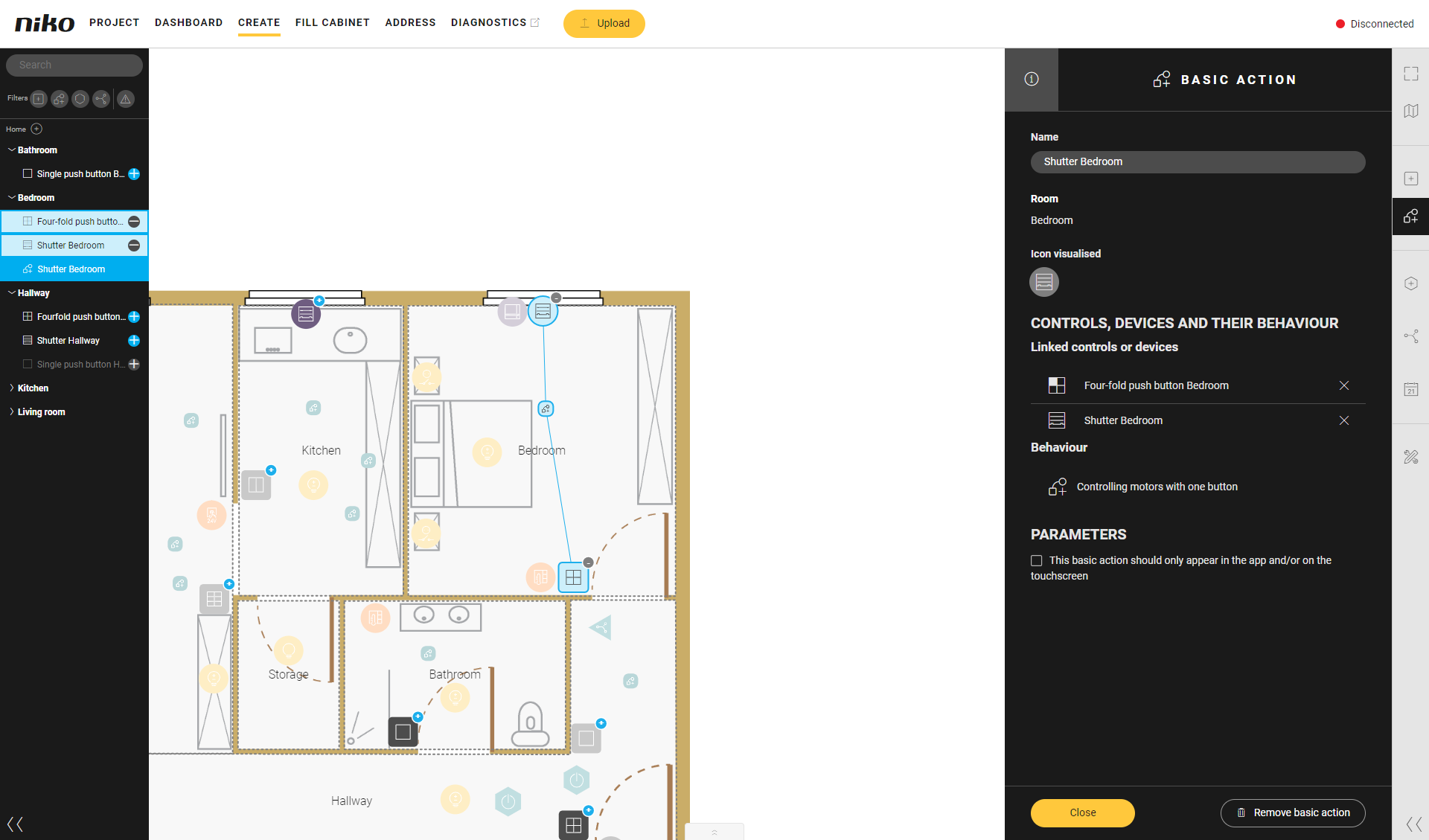
All created controls, devices, basic actions, routines and conditions are visualised in the tree view on the left and in thedrawing area.
You can use the tree view to navigate your installation easily. On the other hand, the drawing area provides the most visual representation of your configuration.
You can configure your installation in the same way from the tree view as you can using theCreatemenu.
If the tree view is minimised, or if you wish to minimise it, click the arrows at the bottom.