
Startpunt
-
Je computer is verbonden met het internet.
-
Je hebt de MOTIV Building Control programmeersoftware geopend en je bent ingelogd
of je hebt op Home geklikt in een open project. -
Je hebt de installatie geregistreerd.
-
Je bent Beheerder van de installatie.
Procedure
-
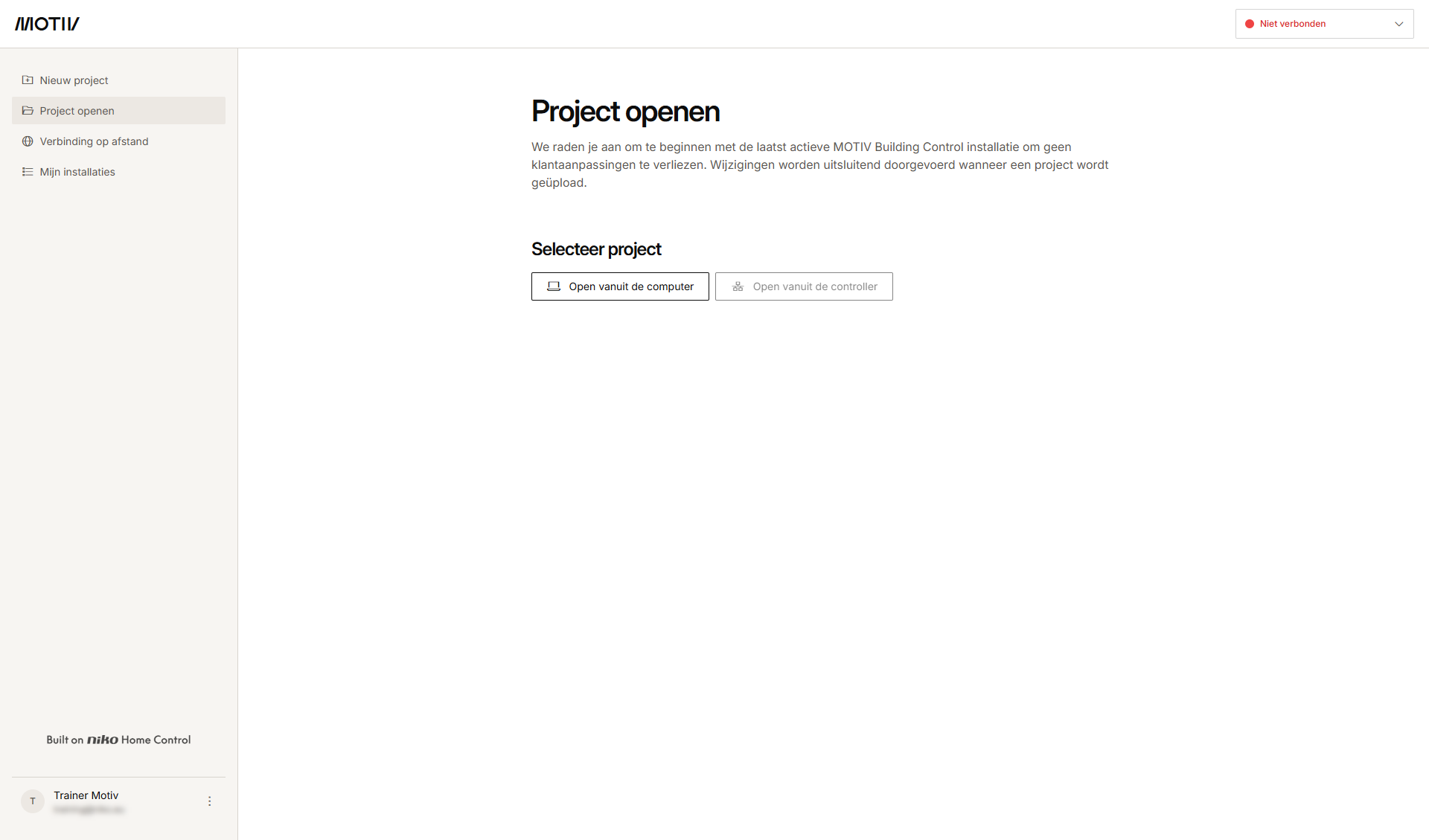
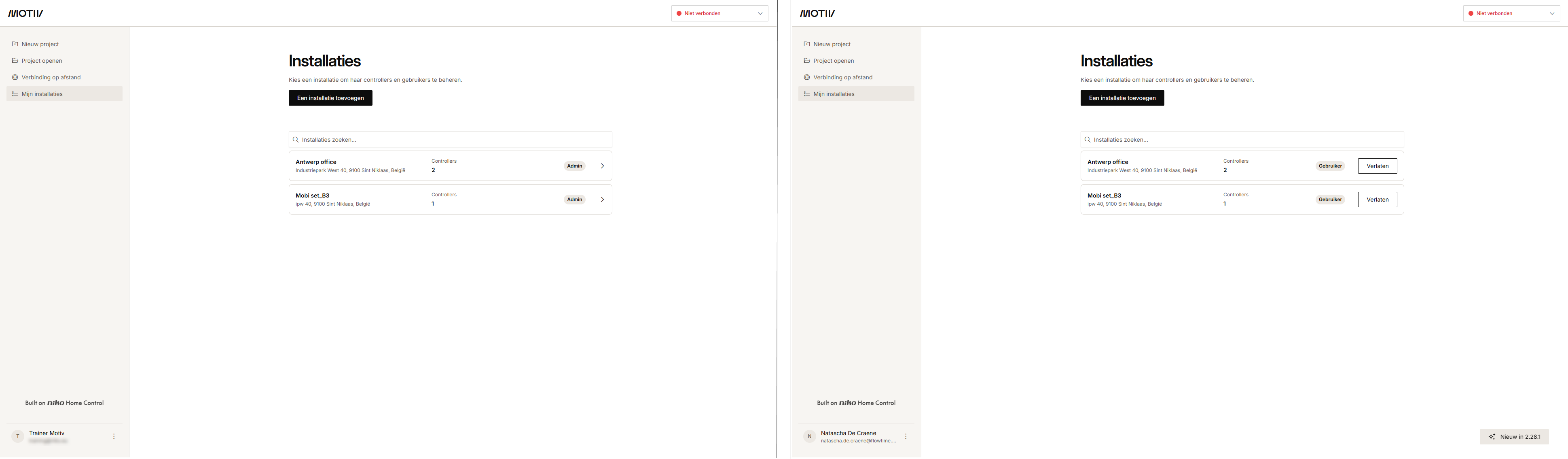
Klik in het linkermenu op Mijn installaties.
-
Klik op het pijltje naast de installatie waar je een nieuwe gebruiker aan wilt toevoegen.
Resultaat: De lijst met controllers in de installatie wordt weergegeven met hun status.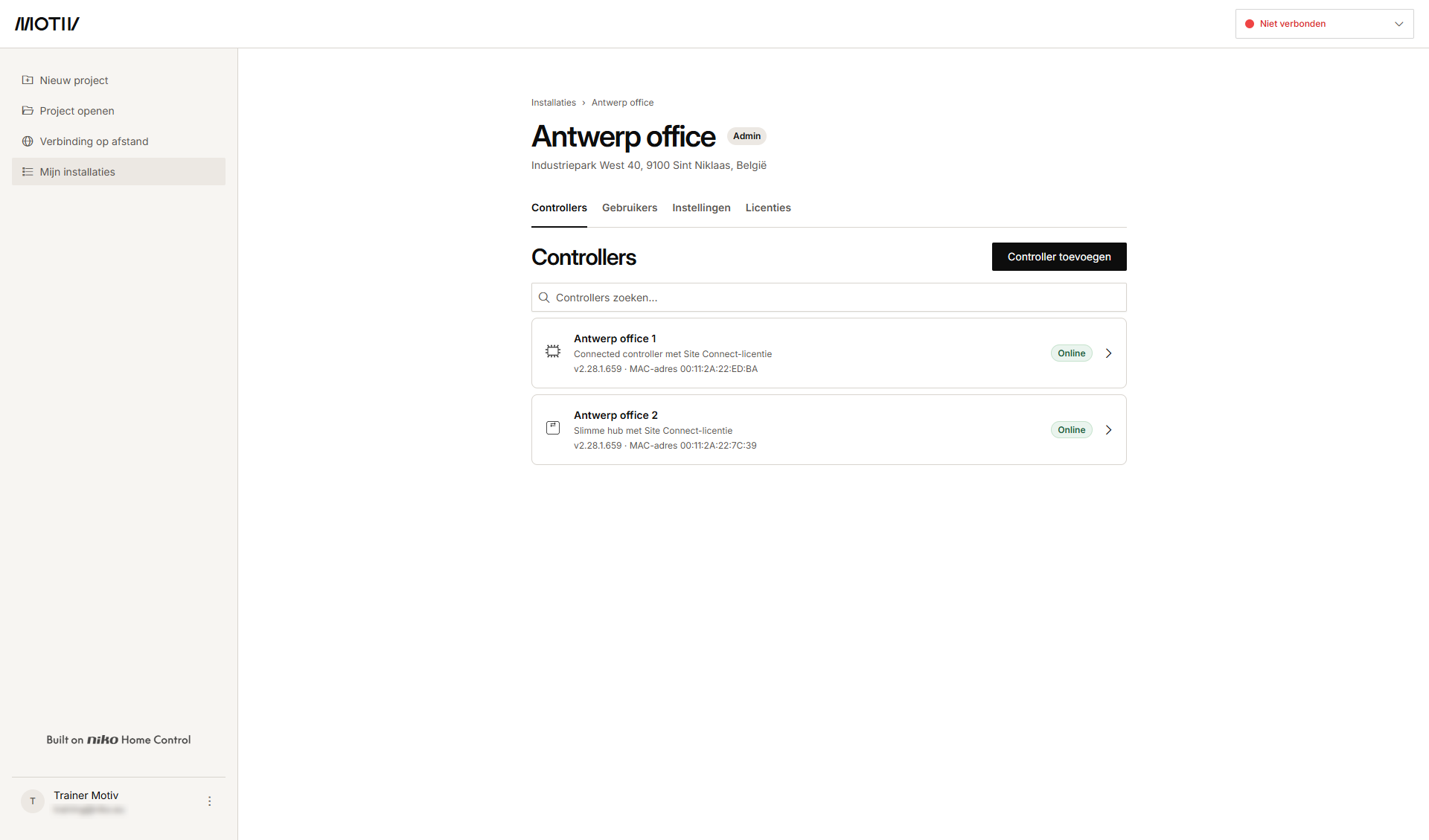
-
Klik op het tabblad Gebruikers.
Resultaat: De lijst met gebruikers die al toegang hebben of zijn uitgenodigd wordt weergegeven.
-
Klik op Gebruiker uitnodigen.
-
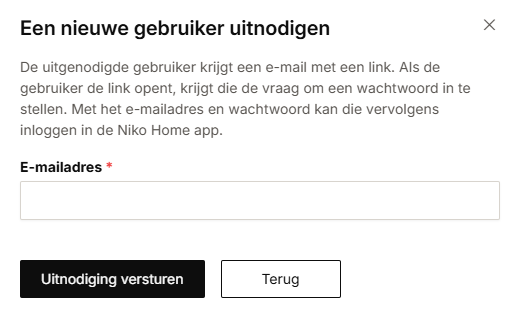
Typ het e-mailadres van de nieuwe gebruiker en klik op Uitnodiging verzenden.
Resultaat: De uitgenodigde gebruiker krijgt een e-mail met een link om een wachtwoord in te stellen. -
De uitgenodigde gebruiker aanvaardt de uitnodiging. Het e-mailadres en het ingestelde wachtwoord kunnen gebruikt worden om in te loggen bij de Niko Home app en de MOTIV Building Control programmeersoftware.
Resultaat: De gebruiker wordt toegevoegd aan het overzicht.