
This tool is only available for Niko Home Control installation with a Pro controller. If you want more information, please contact customer services via my.niko.eu.
Why share elements?
In non-residential buildings with several controllers, you can share Niko Home Control elements over the different controllers.
Starting point
-
You have registered your controllers with the same Niko Home Control account.
-
Your Niko Home Control programming software has an active connection with the controller where you want to share elements.
-
You have created the necessary Niko Home Control elements (controls, devices, …).
-
You are in the Create overview window.
Procedure
-
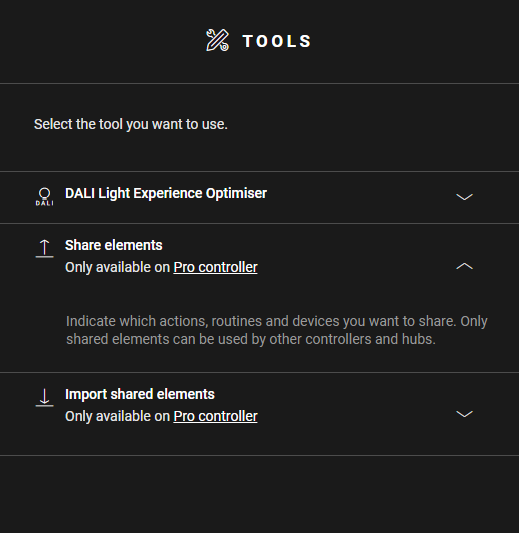
In the right-hand button bar, click on the button Tools.
Result: The Tools pane appears. -
If not opened, click on the arrow next to the tool Share elements.
-
On the drawing area, click on the plus sign of the elements you want to share with other controllers and hubs.
Result: The selected elements appear with an 'S' on the drawing area and are added to the list of shared elements. -
Upload the configuration file.
When there is no plus sign on an element, sharing of this type of element is not supported.