
Basic function
-
Short press the button to switch the light on or off.
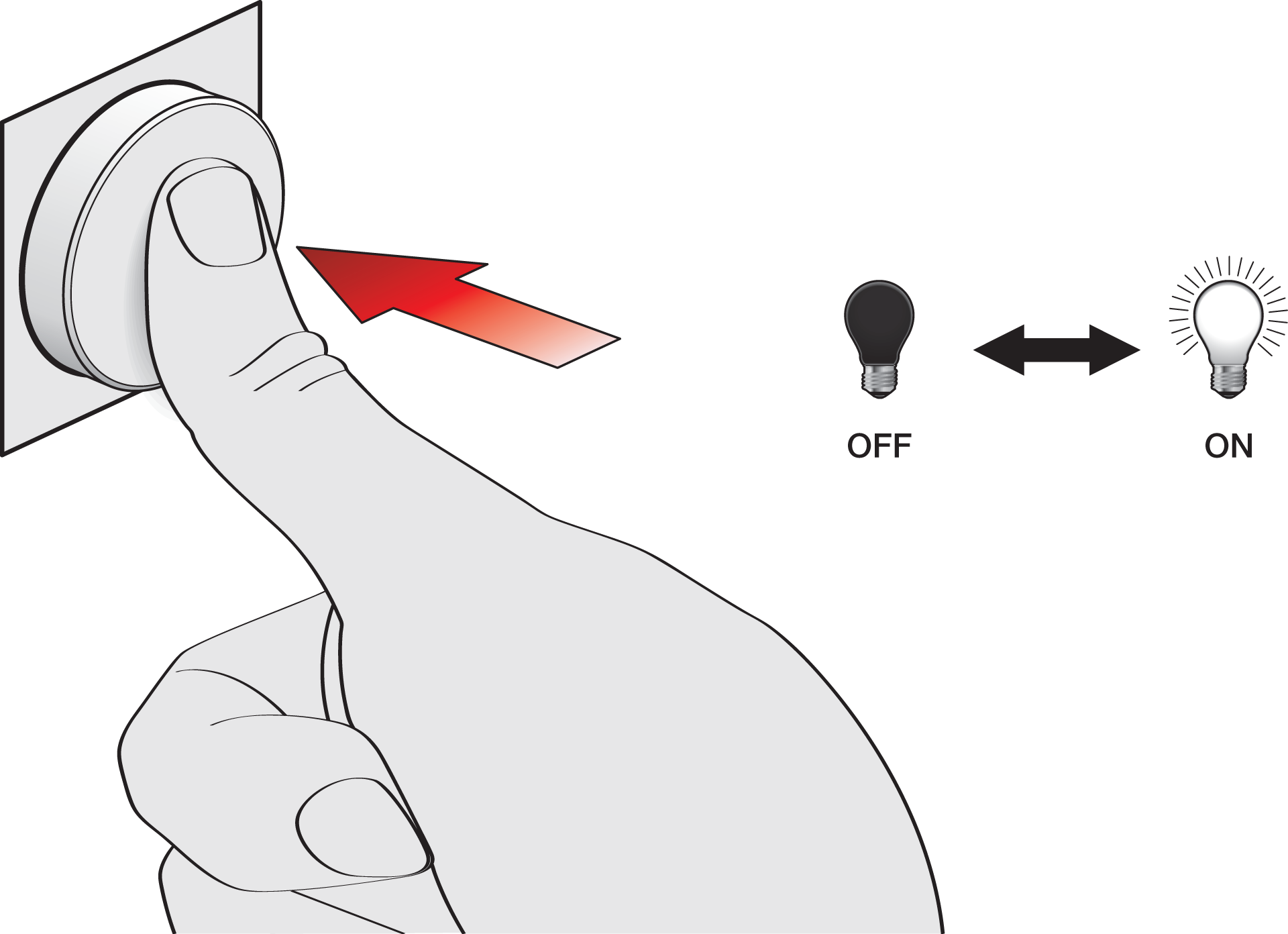
-
Rotate the button to dim the light up/down.
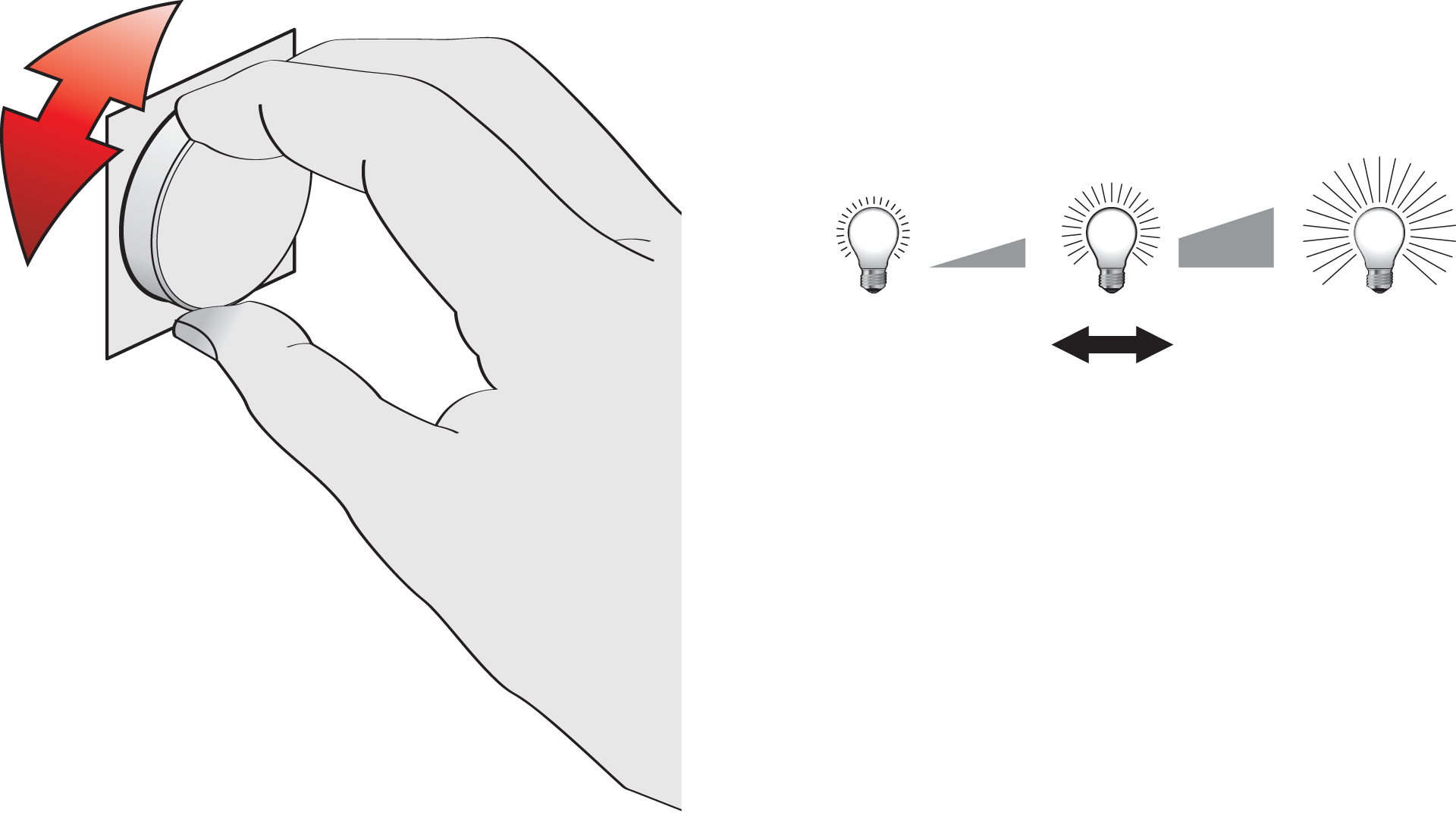
When the lights are switched on with the button, the light behaviour is Daylight control, unless the light behaviour is set to Light Level Memory (available for some detectors).
Advanced function
Activate the advanced function of the DALI-2 rotary control:
-
Press for 1 second until you hear the feedback sound, and then release.
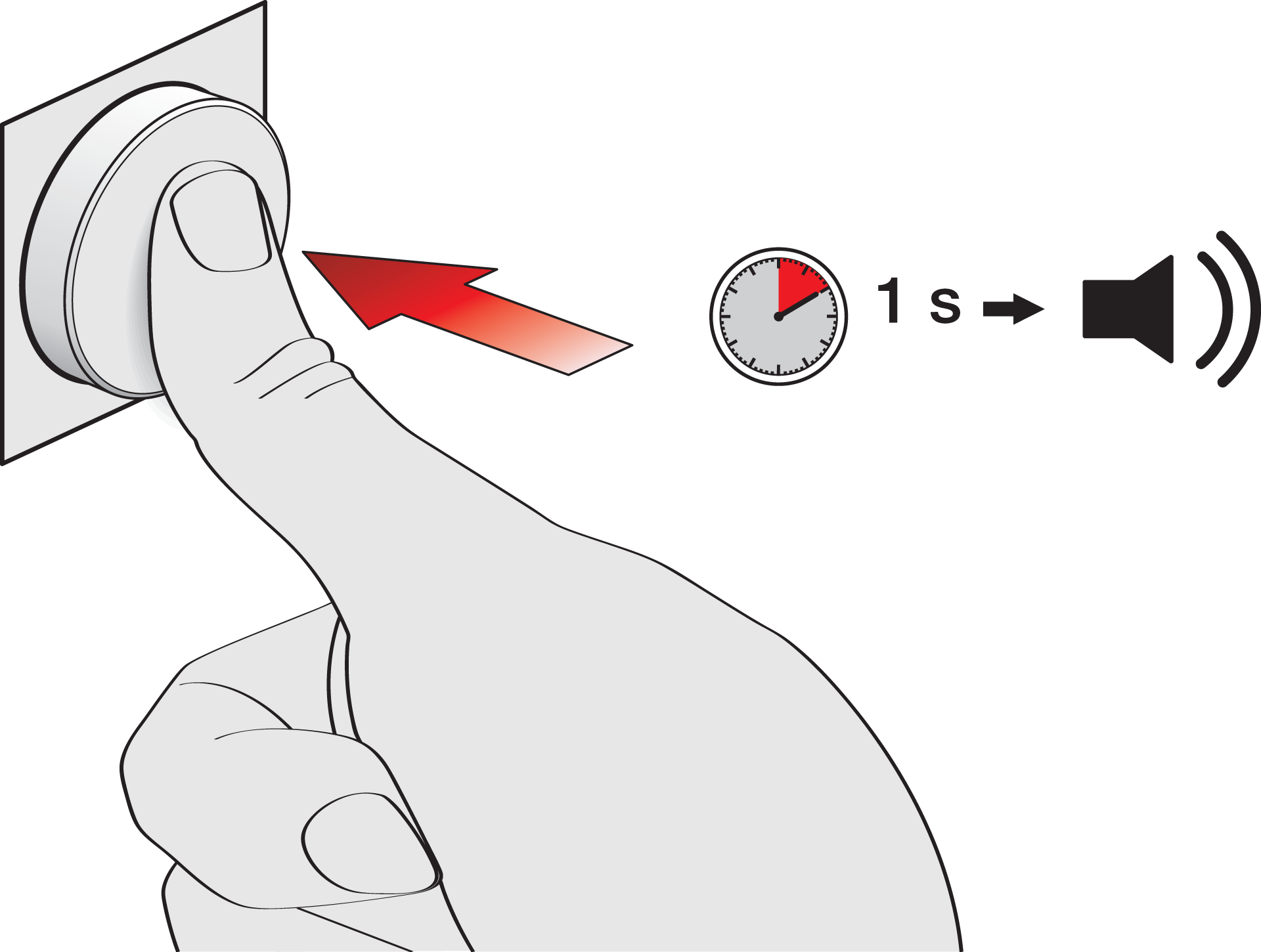
-
Rotate to dim the lights cooler or warmer.
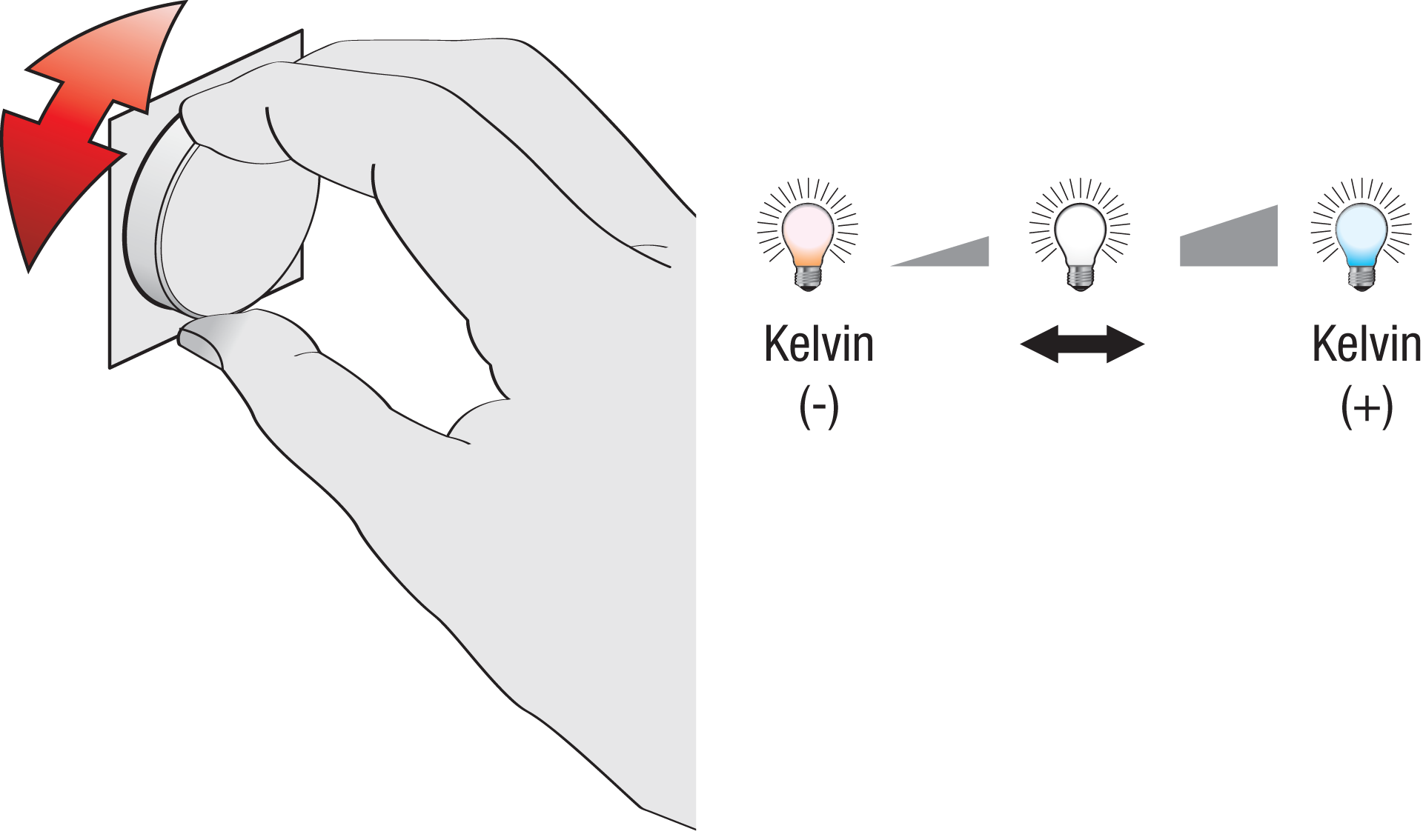
The button returns to the basic function after 10 seconds of inactivity, or when you press the button again for 1 sec.
This function applies to all zones.
The advanced function is not available in a standalone configuration (broadcast mode).
Return to default Daylight control
-
Press for 12 seconds until you hear the feedback sound twice, and then release.
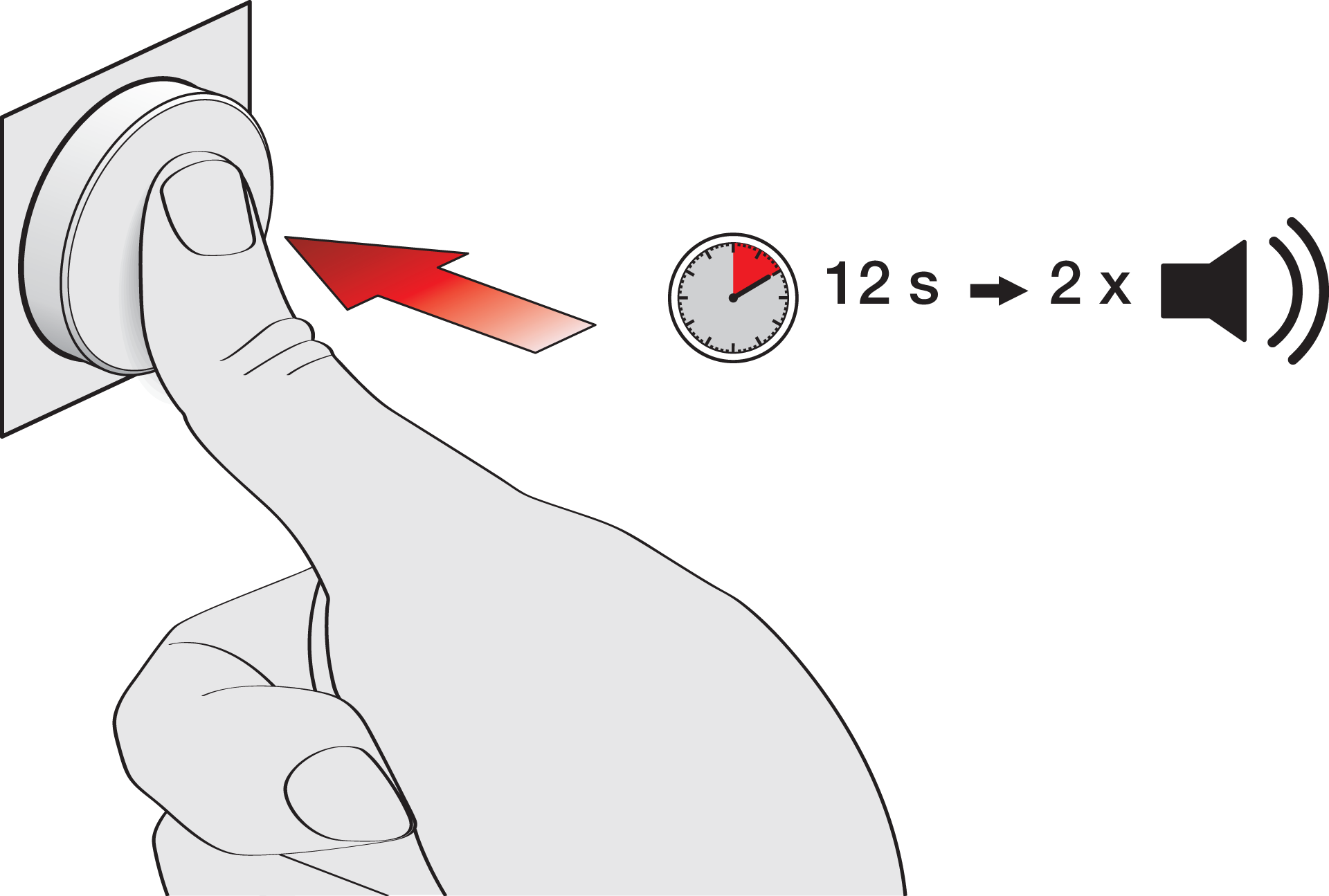
The light returns to the default Daylight control.
This function is often used when a light scene or multizone is enabled.