Replacing a fuse link
When the fuse link is blown, it is recommended to replace the whole fuse plug with a spare one to avoid touching the hot fuse link. Spare fuse plugs are readily available if you have installed a cassette with fuse plugs on the DIN rail.
BURN HAZARD: A blown fuse link can have a temperature above 100°C. Never touch it directly with your fingers.
Step 1
Switch OFF.

Step 2
Eject the fuse plug. Recycle the fuse link following the local regulations.

Step 3
Insert a new fuse link or a placeholder. Depending on the chosen fuse link, use the appropriate spacers. For more information on how to do this, go to Installation of TYTAN® TH1
Step 4
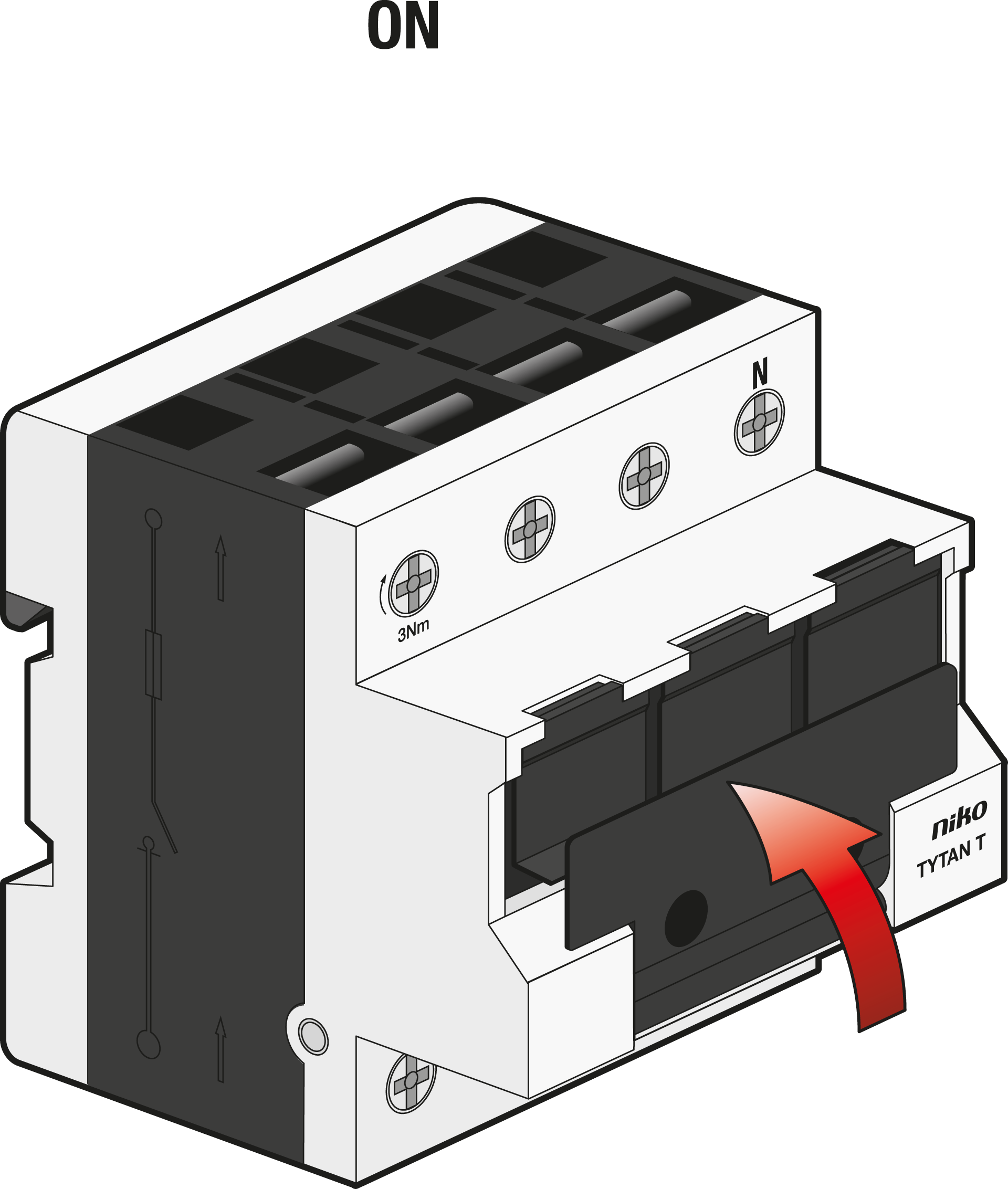
Switch ON.
Resetting the main protecting relay after thermal overload
Press the reset button on the main protecting relay until the thermal overload indicator LED turns green.

After resetting the yellow LED on the main protecting relay and the fuseswitch disconnector will turn off.
Testing the LEDs
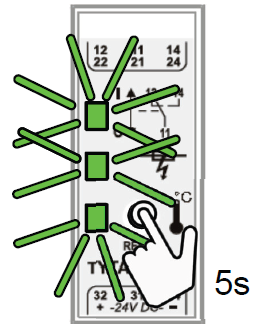
Press the reset button on the main protecting relay for 5 seconds, until all 3 LEDs turn green.