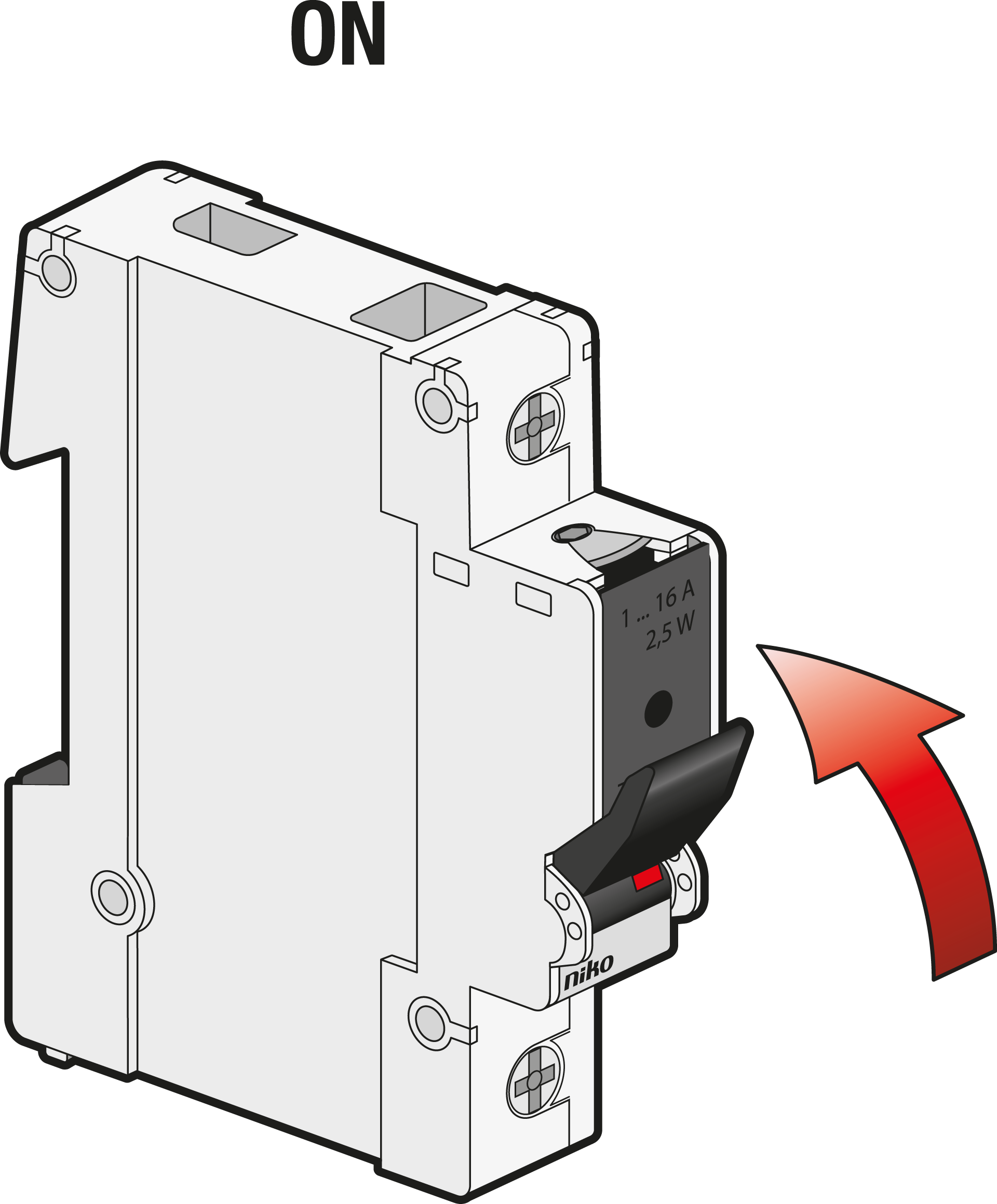
Replacing a blown fuse-link
When the fuse link is blown, it is recommended to replace the whole fuse plug with a spare one to avoid touching the hot fuse link. Spare fuse plugs are readily available if you have installed a cassette with fuse plugs (961-9210300) on the DIN rail.
Step 1
Turn OFF.
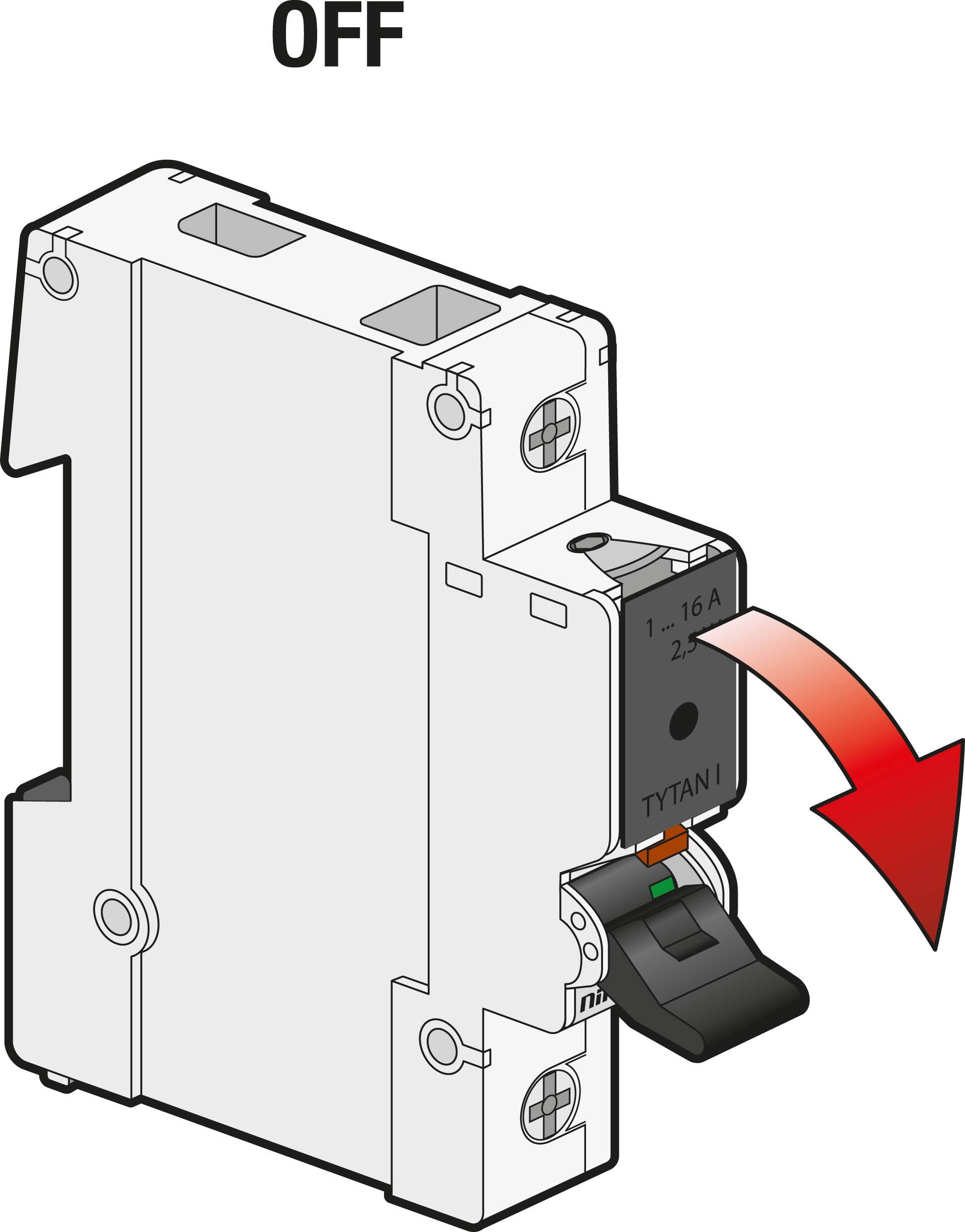
Step 2
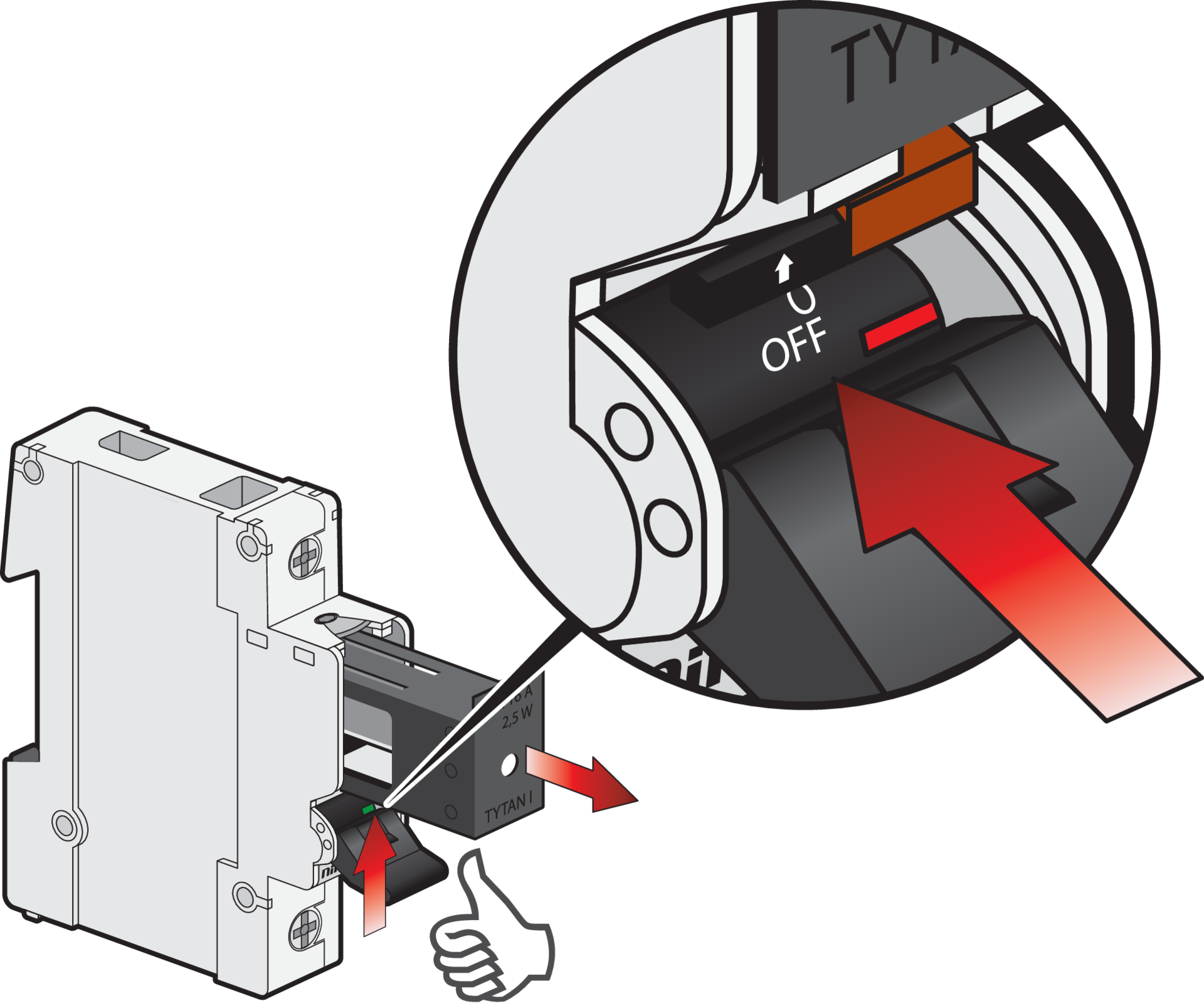
Eject the fuse plug, by pushing below the safety drawer.
You can skip step 3 and 4 if you can take a new fuse plug from the cassette (961-9210300) on the DIN rail.
Step 3 (optional)
Wear heat-resistant gloves when touching a blown fuse link. Its temperature can be above 100°C.
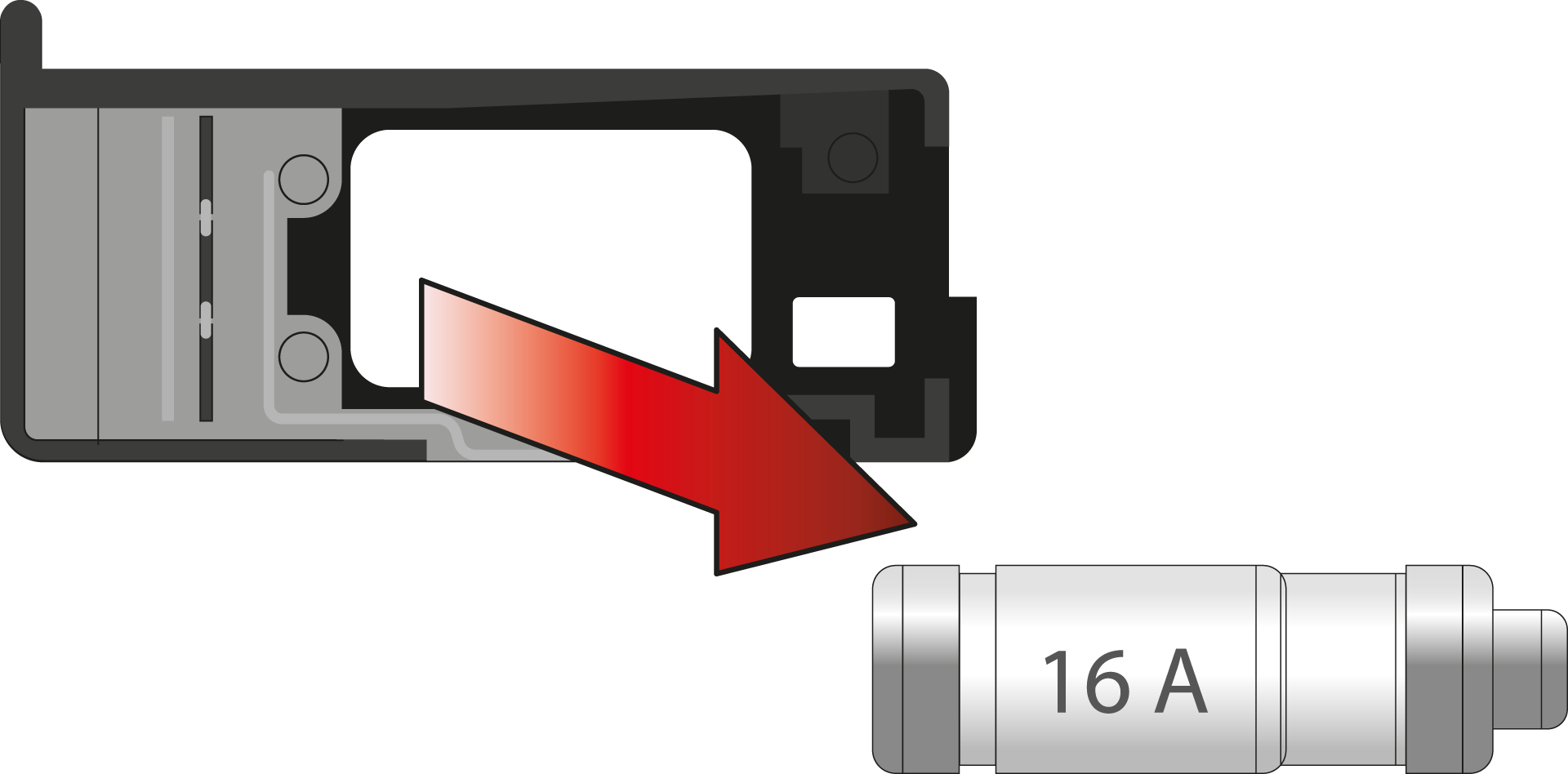
Remove the blown fuse link from the fuse plug. Dispose of it in accordance with local regulations.
Step 4 (optional)
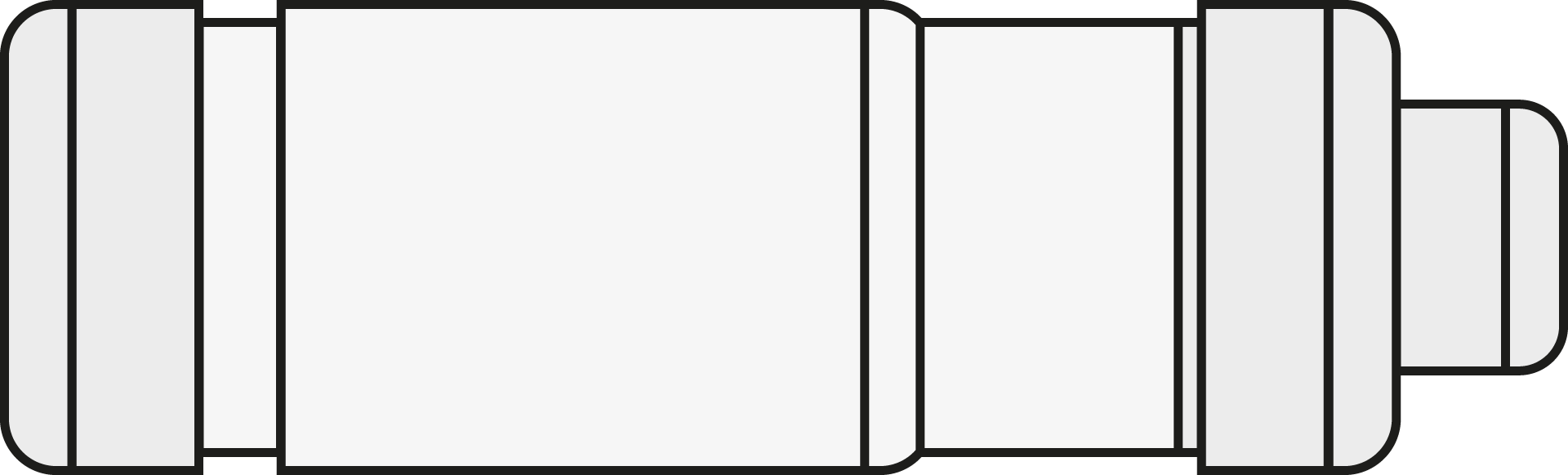
TYTAN® I is compatible with standard fuse links of type D01 (2 – 16 A).
Insert a new fuse link in the fuse plug.
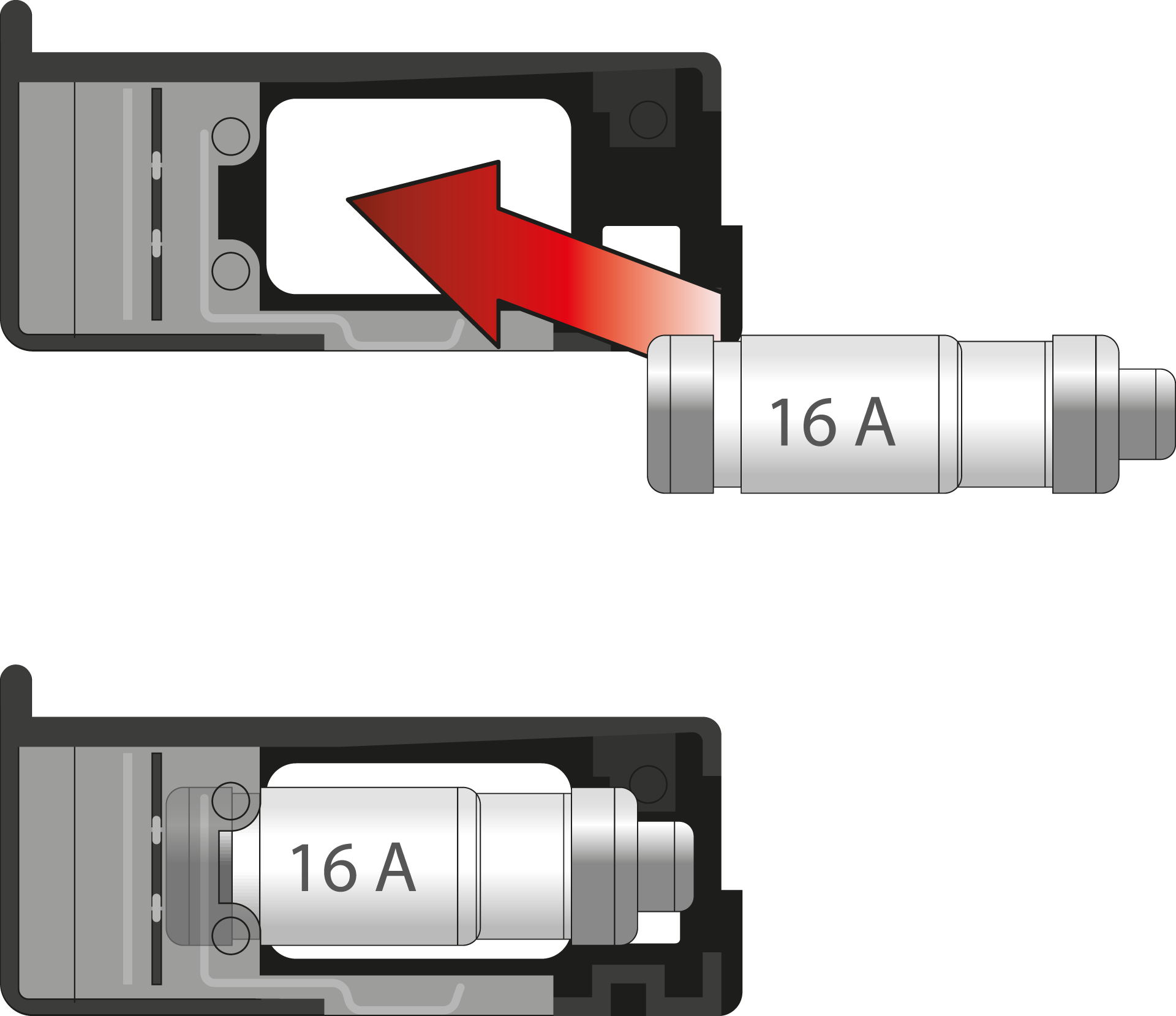
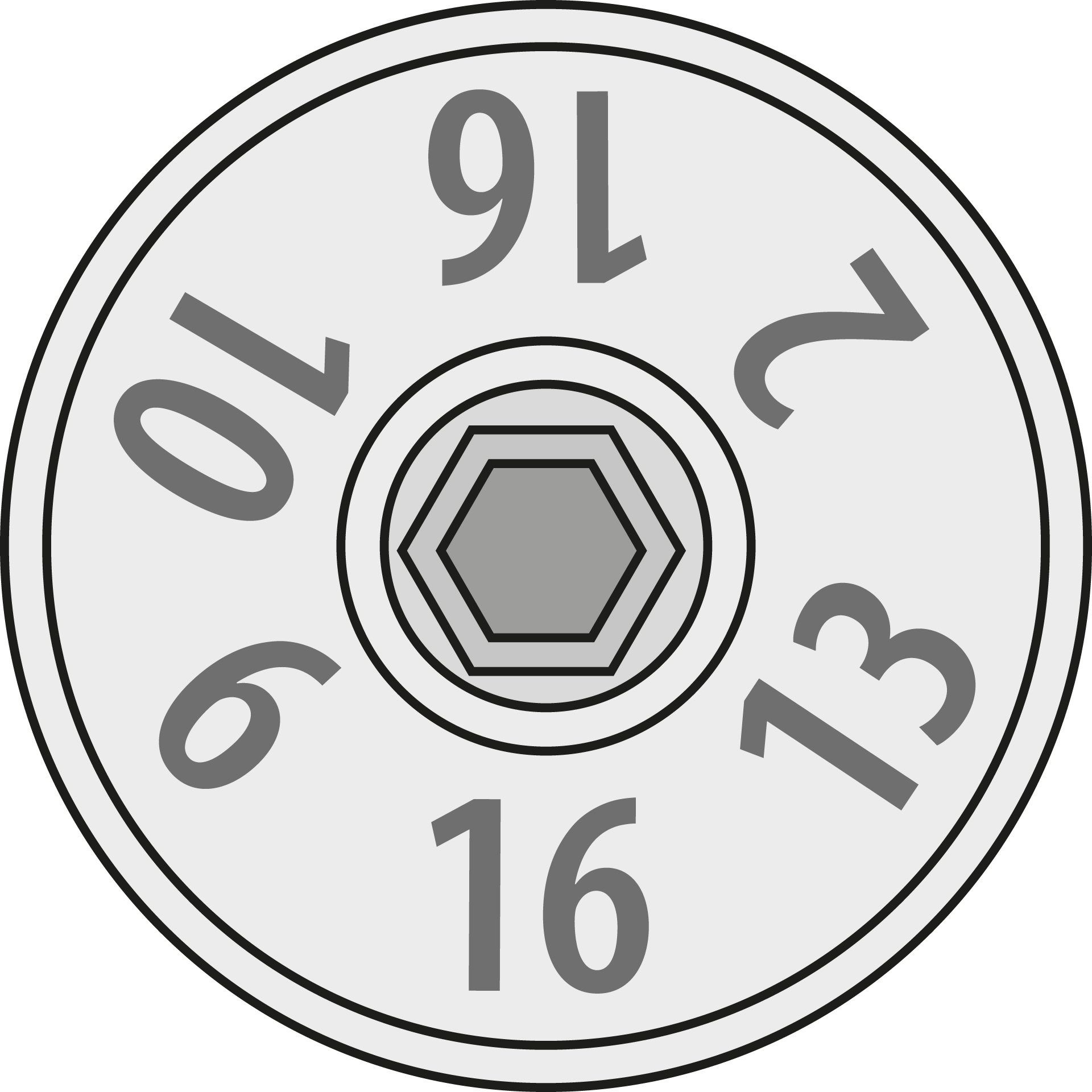
Check the value indicated on the fuse switch disconnector. Make sure that you use a matching fuse link.
|
|
2 A |
4 A |
6 A |
10 A |
13 A |
16 A |
|

|

|

|

|

|

|
|
2 |
4 |
6 |
10 |
13 |
16 |
Step 5
Insert the fuse plug.
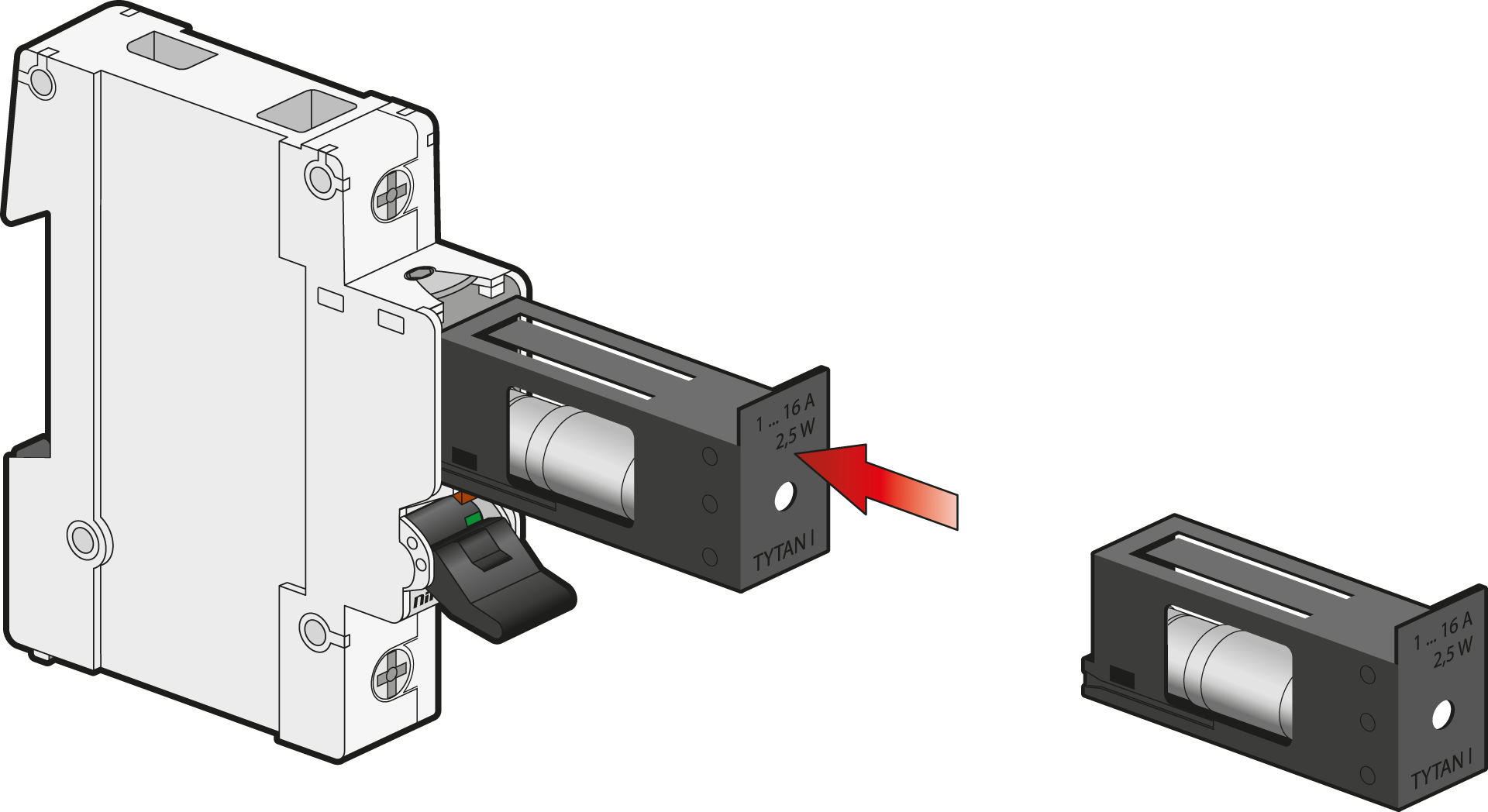
Step 6
Switch ON.